Social Media Image Sizes 2026: Facebook, Instagram, LinkedIn & More
_Snap-Blog%20Header-Social-Media-Images.webp)
Use the links below to navigate to the necessary section:
- Facebook Sizes
- X (Twitter) Sizes
- Instagram Sizes
- LinkedIn Sizes
- YouTube Sizes
- TikTok Sizes
- Frequently asked questions about social media image sizes
- Social Media Image Sizes 2026 Quick Reference
- How can I resize my Social Media Images
Facebook Image Sizes 2026
Facebook Profile Picture Size (2026)
Facebook Profile Picture:
- Recommended Upload 320 x 320 pixels
- Displayed on Desktop 176 x 176 pixels
- Displayed on Mobile 196 x 196 pixels
Tip: To get the highest possible quality, upload a larger square image (e.g. 800 x 800) and make sure the subject/logo is centred so it stays sharp when cropped.
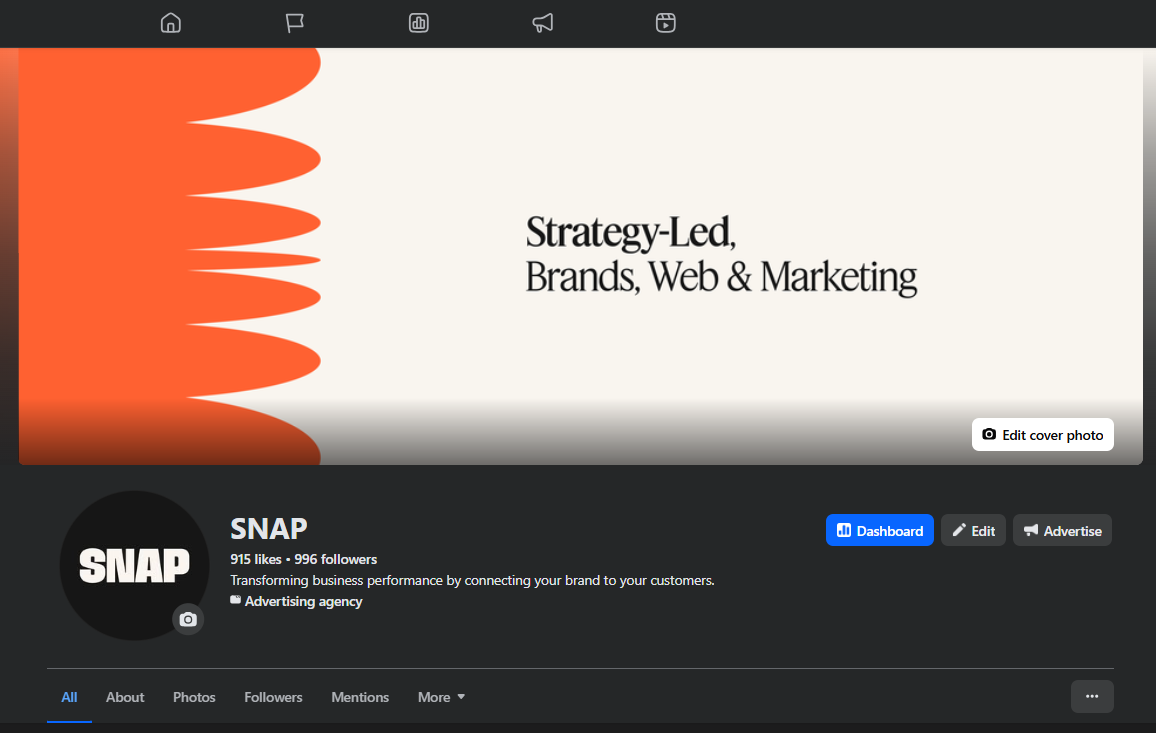
Facebook Cover Photo Size (2026)
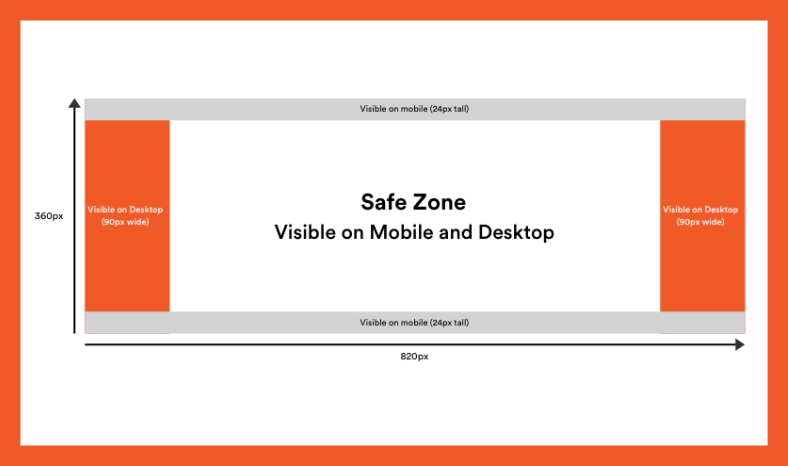
Facebook cover photo size:
- Recommended Size 820 x 360 pixels
- Appearance on Desktop 820 x 312 pixels
- Appearance on Mobile 640 x 360 pixels
- Minimum size 400 x 150 pixels
- File Format (sRGB) JPG or PNG (keep files lightweight for best results)
Tip: Facebook crops cover images differently on desktop and mobile, and the profile photo overlaps the bottom-left—keep important text/logos centred and away from the edges.
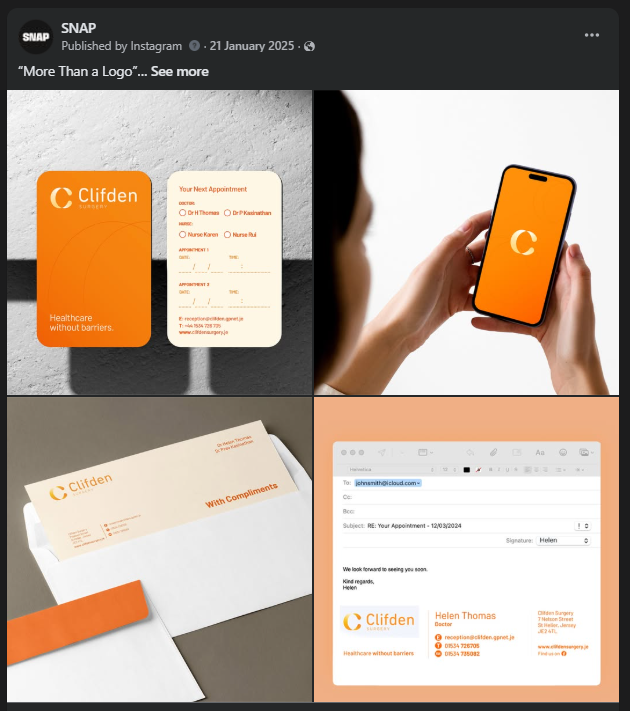
Facebook Image Post Size – (2026)
Facebook image post sizes:
- Landscape 1080 x 566 pixels
- Square 1080 x 1080 pixels
- Portrait 1080 x 1359 pixels
- File Types JPG, GIF or PNG
Tip: If your post includes text, leave a bit of padding around the edges to avoid unexpected cropping on different devices.
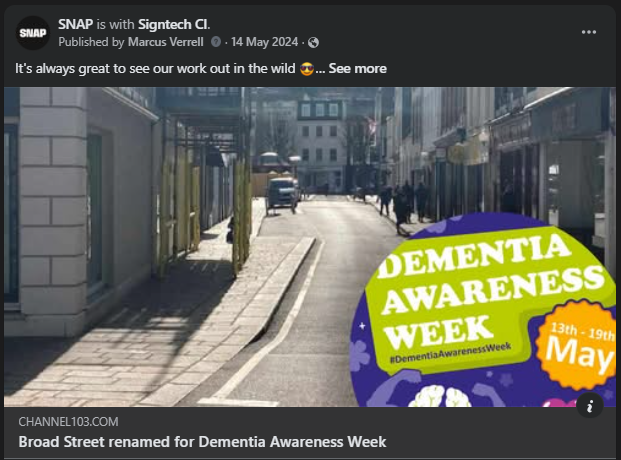
Facebook Shared Link Image Size (2026)
Facebook shared link size:
- Image Dimensions 1,200 x 630 pixels
- Recommended aspect ratio 1.91:1
- File Types JPG or PNG
Facebook Event Cover Image Size (2026)
Facebook event cover image size:
- Image Dimensions 1920 x 1005 (1.91:1 ratio)
- File Types JPG, GIF or PNG
Images narrower than 1920 pixels may be enlarged to fit, and images wider than 1920 pixels may be cropped.

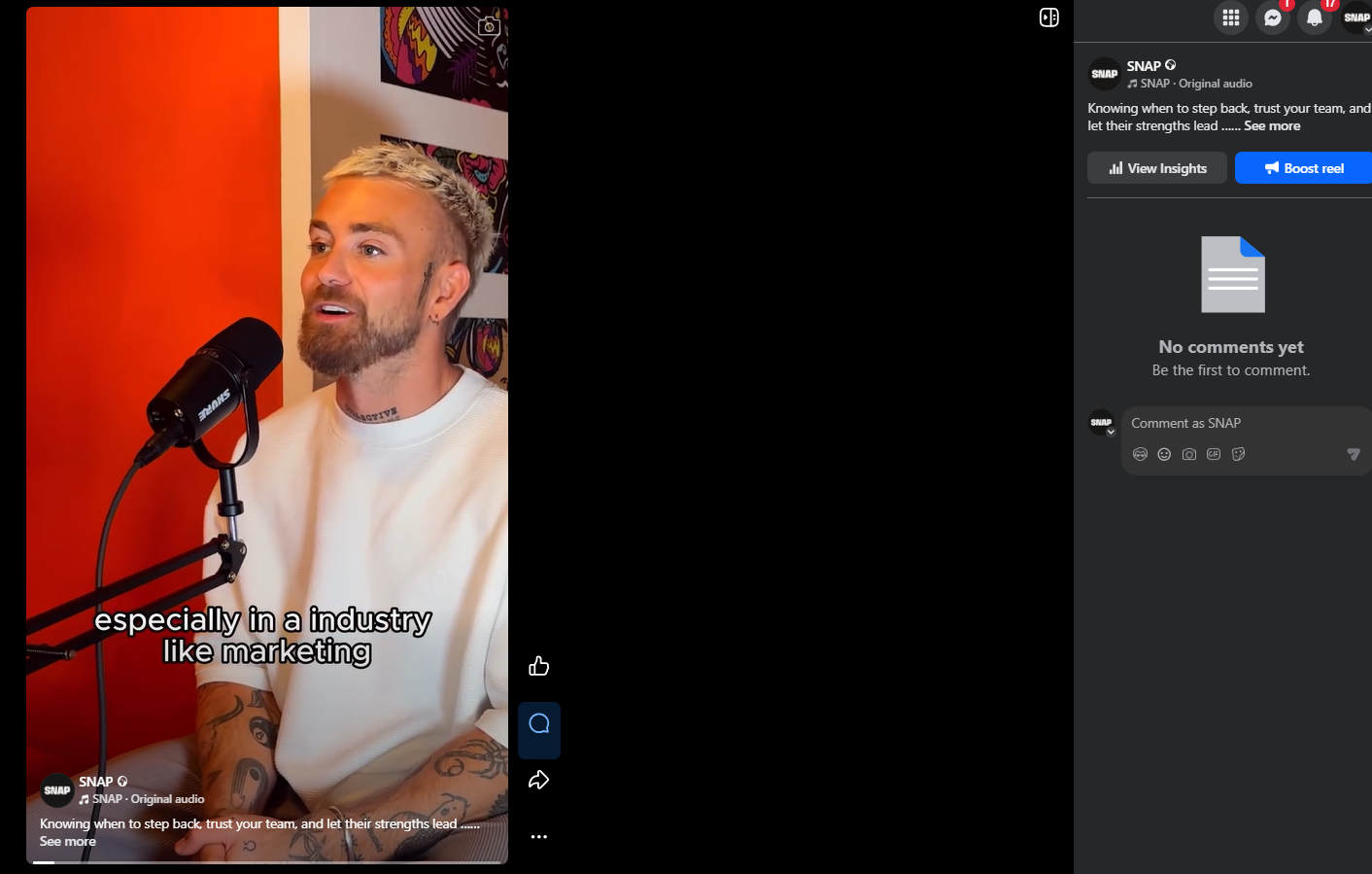
Facebook Video Post Size (Reels) -2026
Facebook video size:
- Recommended video dimensions 1080 x 1920
- Aspect ratio 9:16 (recommended)
- Max file size 4GB
- Recommended video formats MP4 and MOV
- Video max frames 30fps
Tip: Facebook is moving video publishing toward the Reels format—vertical (9:16) is the safest option for full-screen viewing.
Facebook Stories Size (2026)
Facebook story image size:
- Aspect Ratio 9:16
- File Types JPG, GIF, PNG or MP4
Tip: Keep key text and logos away from the top and bottom of the screen so they don’t clash with UI elements.
X (Twitter) Image Sizes 2026
X (Twitter) Profile Picture Size (2026)
X (Twitter) profile picture size:
- Image Dimensions 400 x 400 pixels
- Maximum file size 2mb
- File Types JPG or PNG
X (Twitter) Header Image Size (2026)
X (Twitter) cover image size:
- Image Dimensions 1,500 x 500 pixels
- File Types JPG, GIF or PNG
Tip: X crops the header differently across devices—keep key elements centred and avoid placing text right at the top/bottom edges.
X (Twitter) In-stream Photo Size (landscape) - 2026
X (Twitter) instream image size:
- Landscape 1280 x 720 pixels
- Square 1080 x 1080 pixels
- Portrait 720 x 1280 pixels
- File types GIF, JPG & PNG
- Maximum file size Up to 5 MB (15 MB on web for some formats)

Instagram Image Sizes 2026
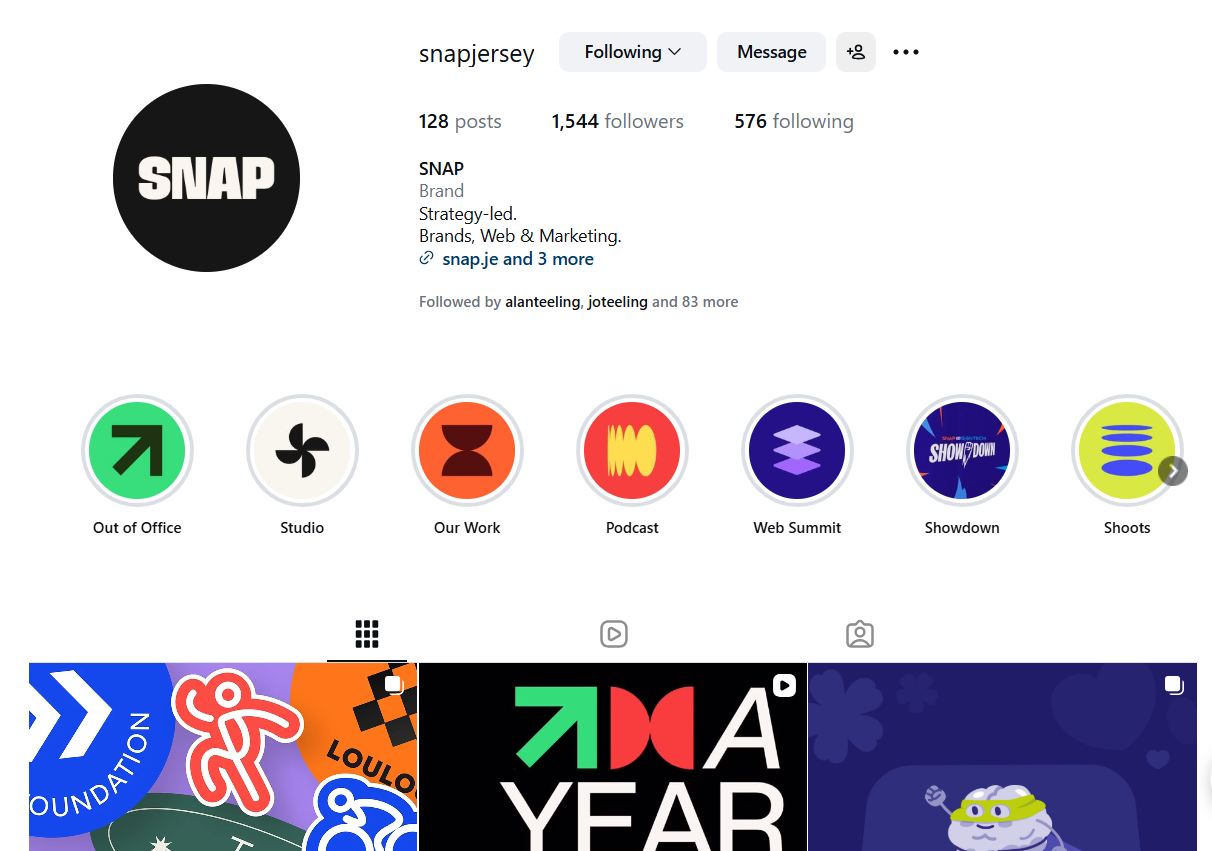
Instagram Profile Picture Size (2026)
Instagram profile picture size:
- Recommended Size 320 x 320 pixels
- Minimum Size 110 x 110
- File Types JPG or PNG
Profile photos need to be 110 x 110 pixels at a minimum. They’re stored at 320 x 320 pixels so make sure to upload an image at least that big, to future-proof.
Also, they are displayed as a circle. So make sure any elements you want to focus on in the photo are centered so they don’t get cropped out.
Instagram Image Post Size – 1080px wide (2026)
Instagram image size:
- Portrait 1080 x 1350 pixels
- Square 1080 x 1080 pixels
- Landscape 1080 x 566 pixels
- File Types JPG or PNG
- Supported aspect ratios Anywhere between 1.91:1 and 4:5
Tips:
- If you want your images to look their best on Instagram, aim to upload an image that is 1080 pixels wide.
- Larger images will be sized down, and very small images may be sized up.
- If the aspect ratio of your photo isn’t supported, it will be cropped to fit a supported ratio.
- Instagram’s profile grid preview is now taller (rectangle-style), so keep key text/logos safely centred for a 3:4-style crop.
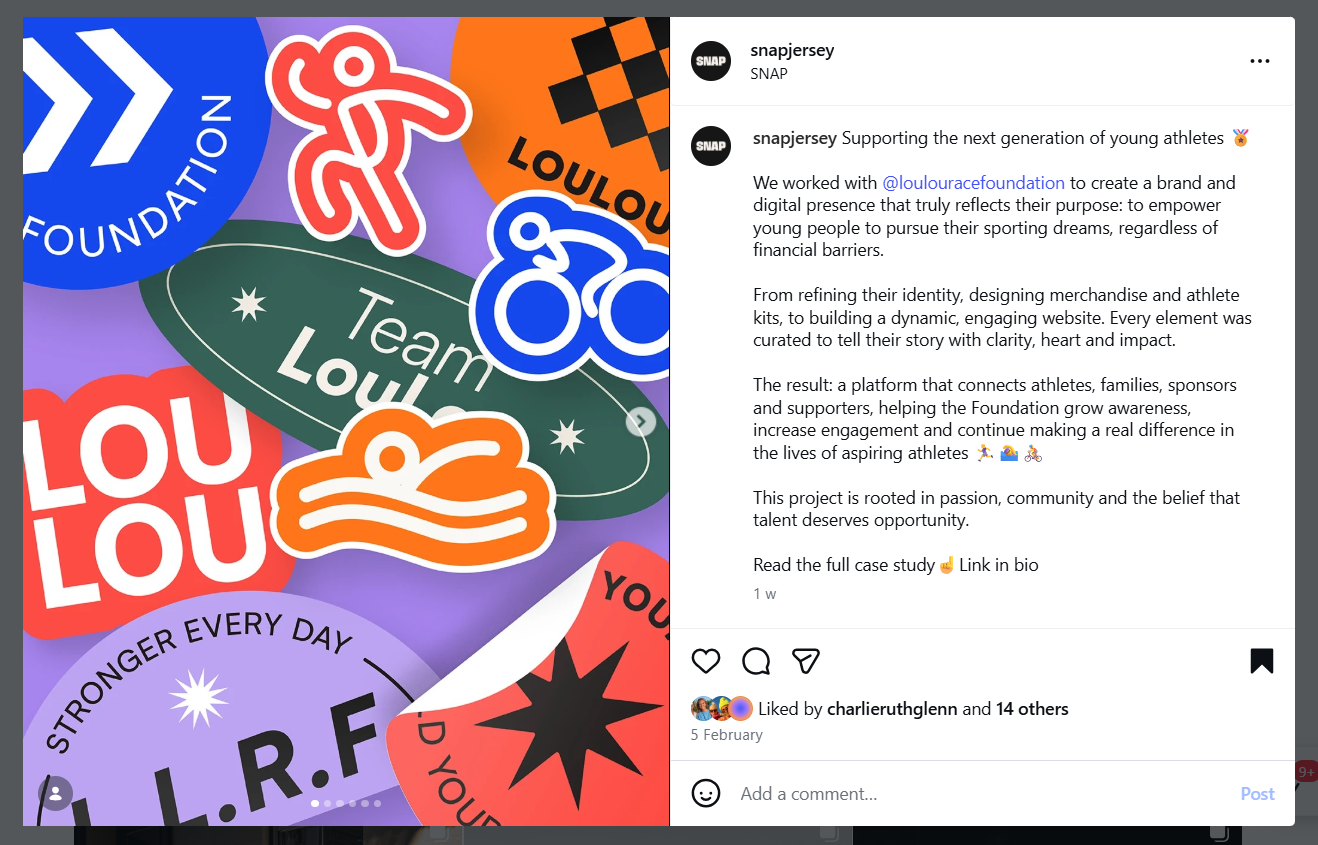
Instagram Video Post Size (Reels) – 2026
Instagram video size:
- Recommended video resolution 1080 x 1920 pixels
- Aspect Ratio 9:16 (recommended)Minimum resolution 720p
- Maximum size 4GBFrame rate 30fps max
- File type mp4
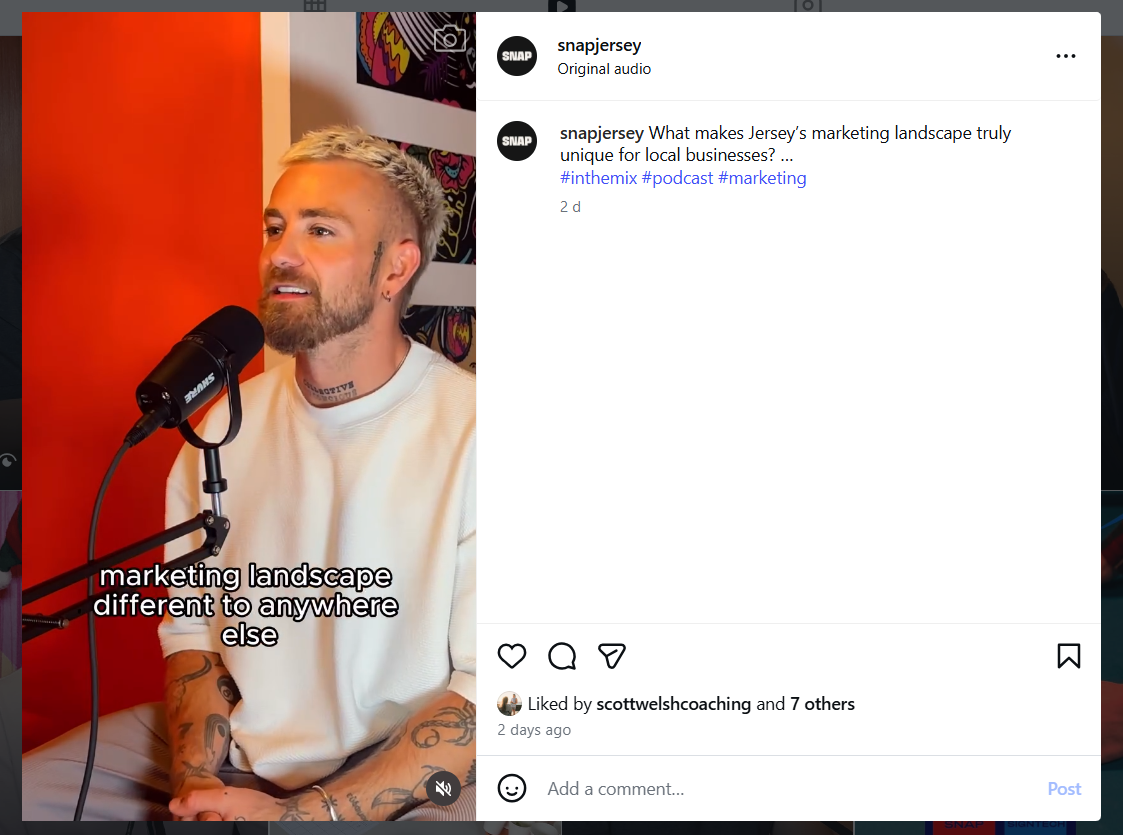
Instagram Stories Size (2026)
Instagram story image size:
- Aspect ratio 9:16
- Max file size 4GB
Tip: Leave breathing space at the top and bottom so your text doesn’t sit behind the profile icon, captions, or buttons.
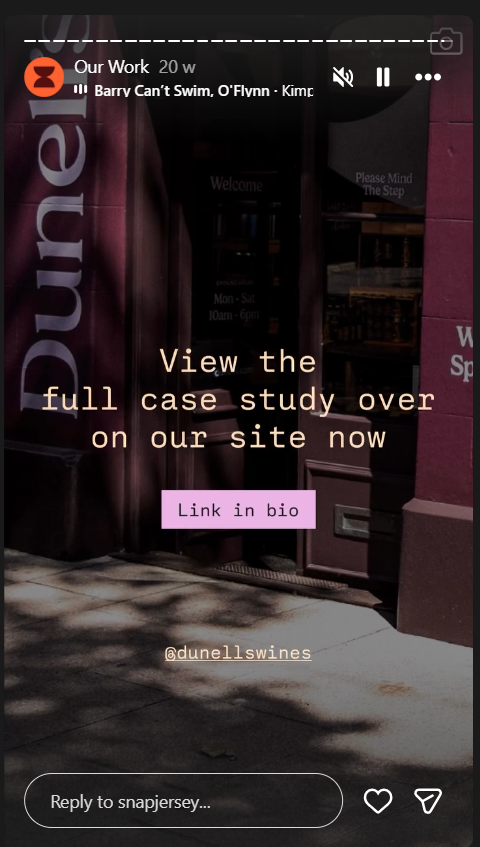
Instagram Image Size (2026)
Instagram image size:
- Recommended resolution 1080 x 1350
- File format JPG or PNG
- Maximum size 8mb
LinkedIn Image Sizes 2026
LinkedIn Profile Picture Size (2026)
LinkedIn profile picture size:
Recommended size 400 x 400 pixels
- Minimum size 200 x 200 pixels
- Maximum file size 8MB
- Image types include JPG, GIF or PNG
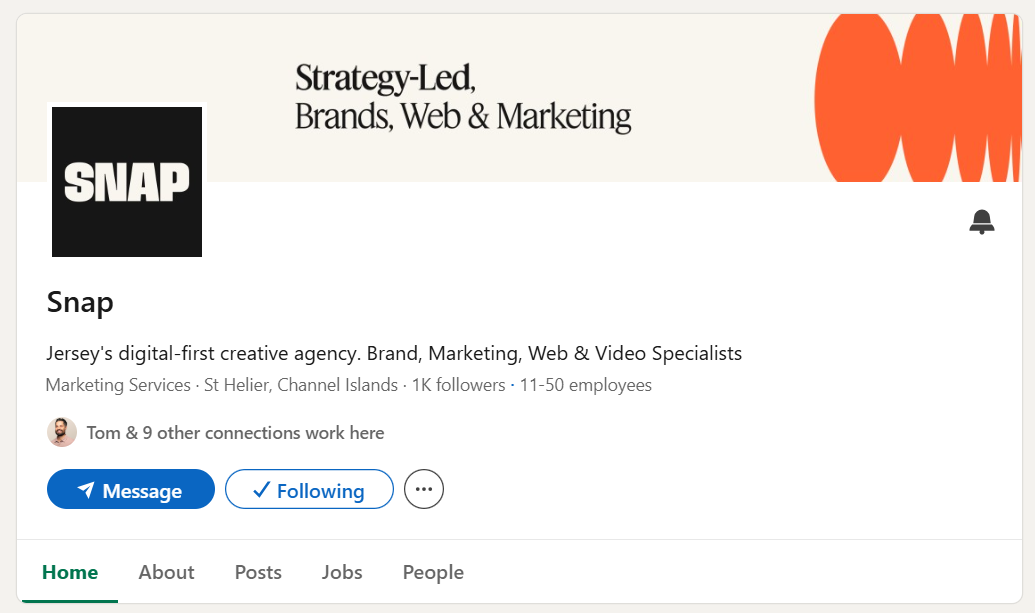
LinkedIn Cover Image Size (2026)
LinkedIn cover image size:
- Recommended size 1,584 x 396
- Maximum file size 8MB
- Image types include PNG, JPG or GIF
Tip: LinkedIn Company Pages use a different cover size (1128 x 191), so double-check which one you’re designing for.
LinkedIn Video Post Size (2026)
LinkedIn video size:
- Video Length 3 secs to 10 min
- File size Up to 5GB
- Recommended resolution 1920 x 1080 (16:9) or 1080 x 1350 (4:5)
- File format MP4 (recommended)
- Orientation Landscape, portrait, square

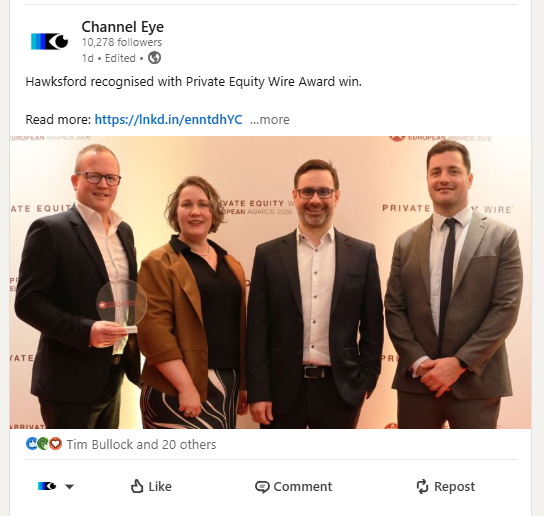
LinkedIn Shared Image and Link Size (2026)
LinkedIn shared image size:
- The recommended size for images or links 1200 x 627 pixels
- Image types include PNG, JPG or GIF
This size works for LinkedIn posts that share a photo or a link with an image to a blog post or article. If you’re only sharing a photo, you have a bit more room for the maximum size if you prefer.
Youtube Image Sizes 2026
Youtube Profile Picture Size (2026)
YouTube profile picture image size:
- Recommended size 800 x 800
- File Types JPG or PNG
- Max file size 15MB
They will allow you to choose different borders for your profile photo. However, the size is always the same. Make sure the focus of your photo is centred for the best results.
Youtube Channel Art Size (cover photo) – 2026
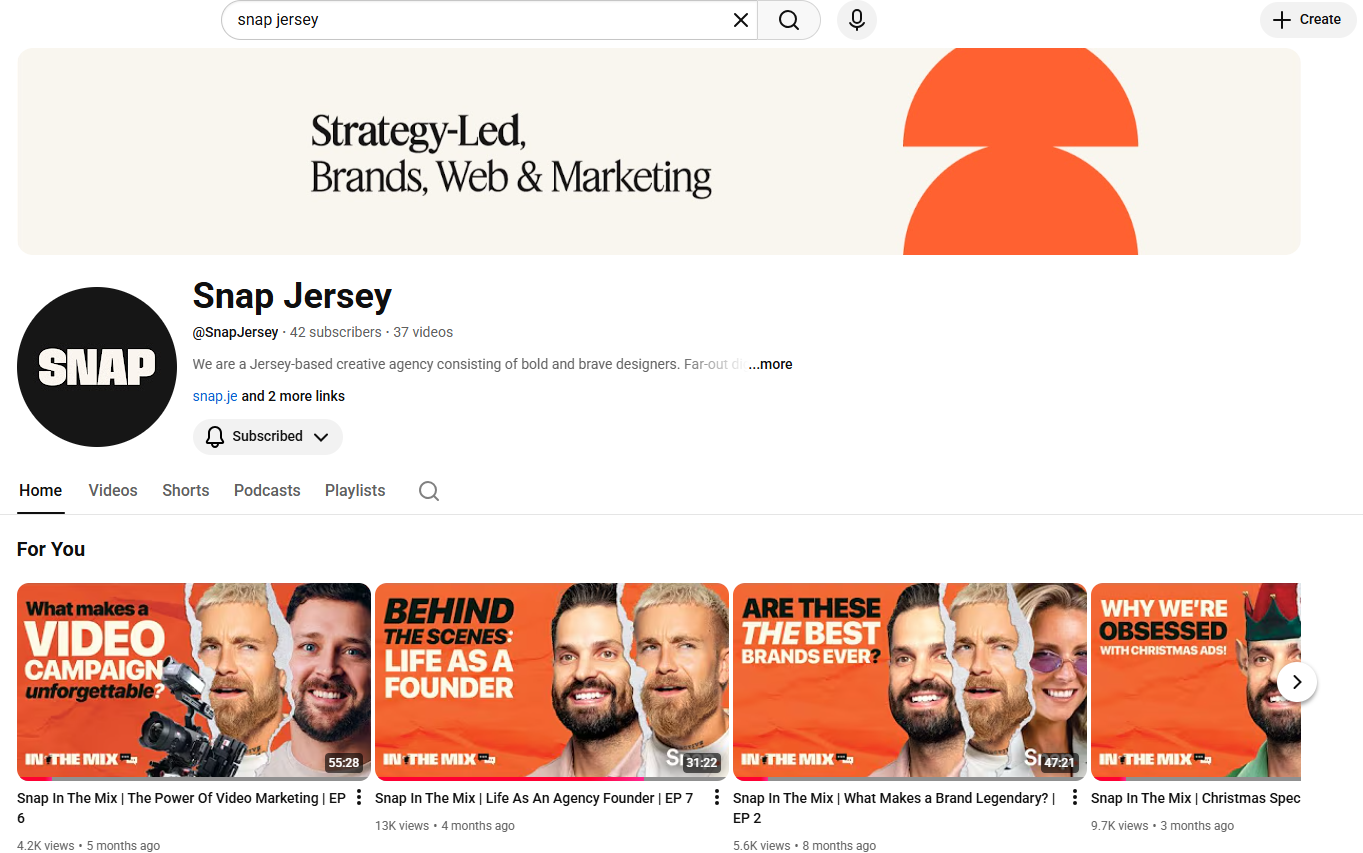
YouTube channel art image size:
- Recommended size 2560 x 1440 pixels
- Minimum area for text and logos without being cut off 1235 x 338 pixels
- Minimum dimension for upload 2048 x 1152 pixels
- Maximum file size 6MB
YouTube Video Size (2026)
YouTube video size:
- Recommended resolution 1920 x 1080 pixels (Full HD)
- Minimum resolution 1280 x 720 pixels (HD)
- File Types MP4 & MOV
They require videos to be at least 1280 x 720 pixels in order to meet HD standards. This is highly suggested in order to have good image quality on your video and also attract viewers.
Tiktok Image Sizes 2026
TikTok Profile Picture Size (2026)
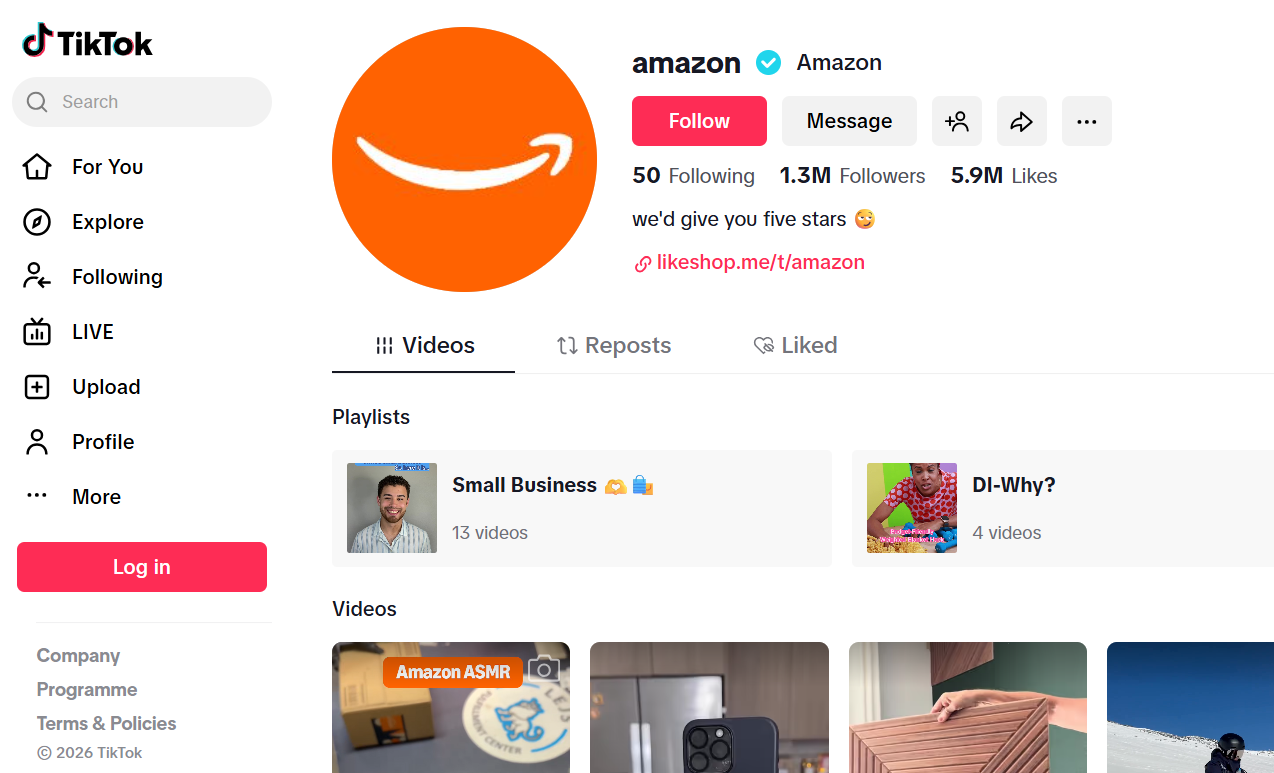
TikTok profile picture size:
- Recommended size 200 x 200 pixels
- Minimum size 20 x 20 pixels
- File Types JPG or PNG
Tip: Upload a higher-quality square image and keep the subject/logo centred so it stays sharp when TikTok crops it in different placements.
TikTok Video Size (2026)
TikTok video size:
- Recommended size 1080 x 1920 pixels
- Aspect ratio 9:16
- File Types MP4 or MOV
Tip: If you upload other aspect ratios, TikTok may add black bars—9:16 is best for full-screen.
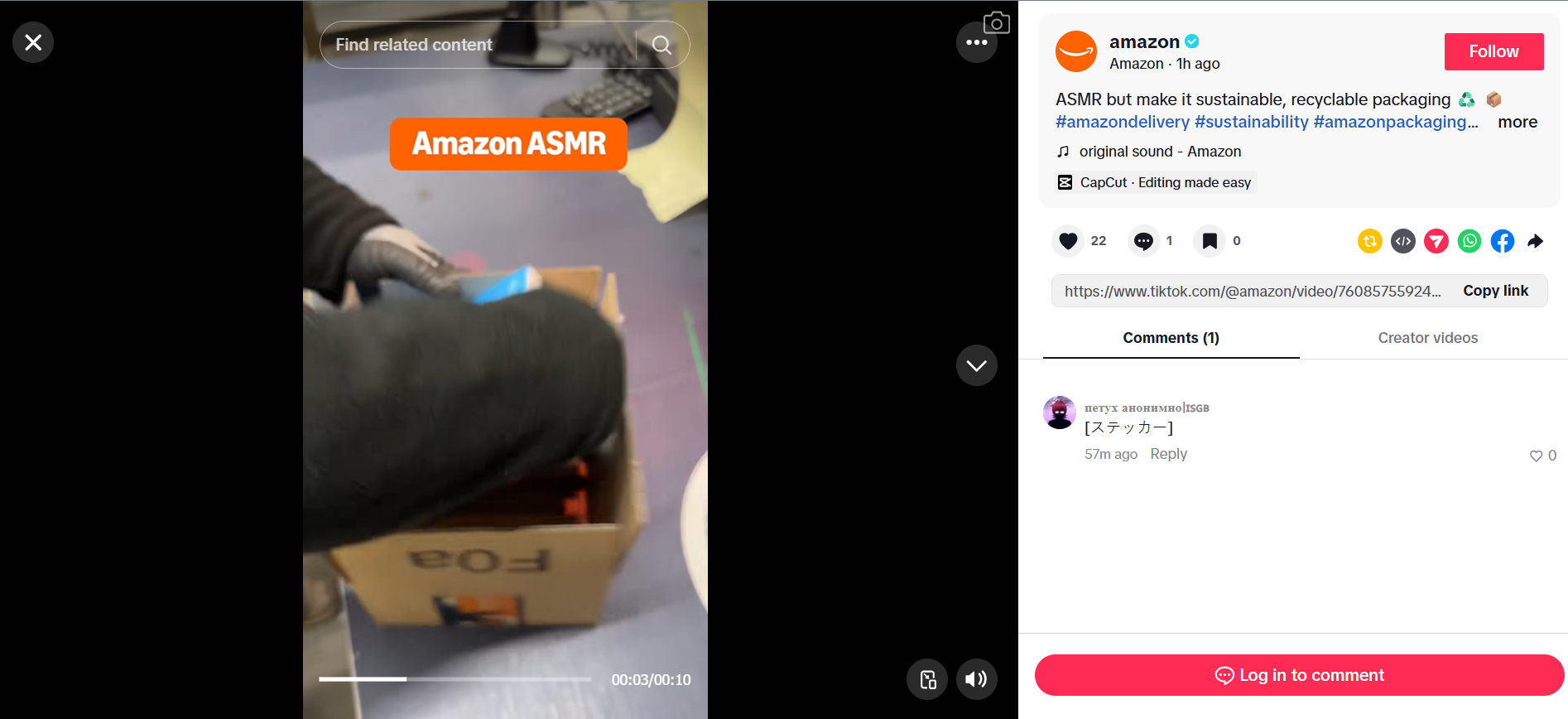
TikTok Carousel Size (Photo Mode) – 2026
TikTok carousel image size:
- Recommended size 1080 x 1920 pixels
- Aspect ratio 9:16
- Other supported ratios 1:1 and 4:5 also work
Tip: Keep key text away from the right-side UI icons and the bottom caption area so it doesn’t get covered.
Frequently Asked Questions About Social Media Image Sizes
What is the best image size for social media?
The best size depends on the platform. Most platforms prefer 1080px width for posts, while vertical content performs best at 1080 x 1920 (9:16).
What aspect ratio works best for social media?
4:5 and 9:16 tend to perform best for engagement on Instagram, Facebook and TikTok.
Why do my images get cropped on social media?
Each platform applies automatic cropping depending on device and placement. Uploading the recommended aspect ratio prevents unwanted cropping.
How often do social media image sizes change?
Platforms update dimensions regularly. This guide is updated for 2026 to reflect the latest changes.
Social Media Image Sizes 2026 Quick Reference
How can I resize my Social Media Images?
There are a number of helpful tools you can use to resize your content so that you achieve the optimum social media Image sizes for all placements. These include:
- Photoshop (Paid Subscription)
- Illustrator (Paid Subscription)
- Canva (Free)
Need help capturing, curating or publishing content for your Business? Get in touch today to see what we can do for you!
Built for what's next
The world’s noisy, competitive, and changing fast.
Our approach helps you cut through and stay ahead. From insight to execution, we create work that’s not just good-looking, but brand-building and future-ready.